AI teaching tools in one workspace
Grade tests, plan lessons, generate assessments, and follow student progress in one workspace. Explore a feature below and try it yourself.
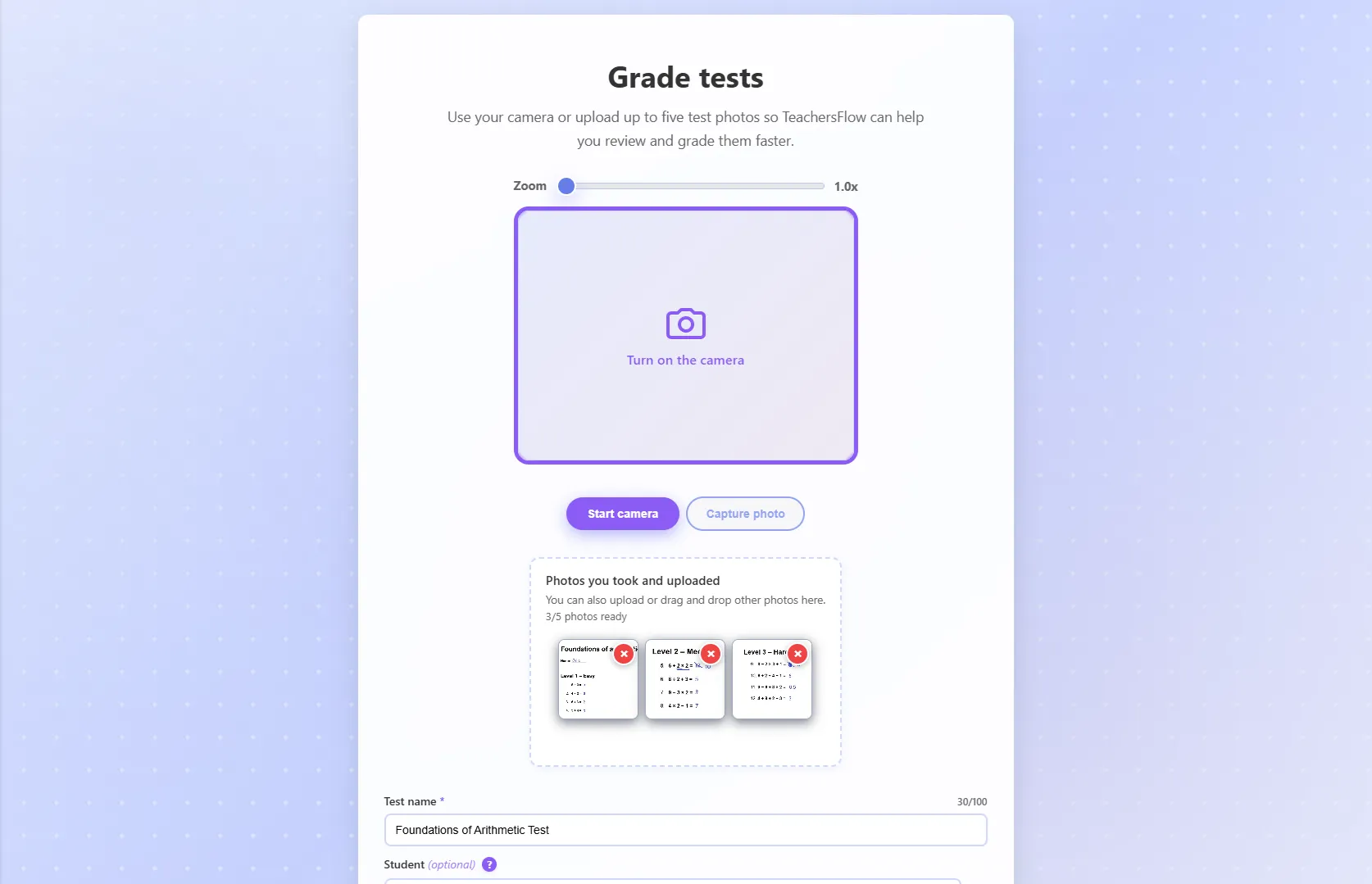
Test grader
Upload photos of any student test and get a grade, written feedback you can hand back to each student, and an optional exercise-by-exercise breakdown in seconds.
Learn more →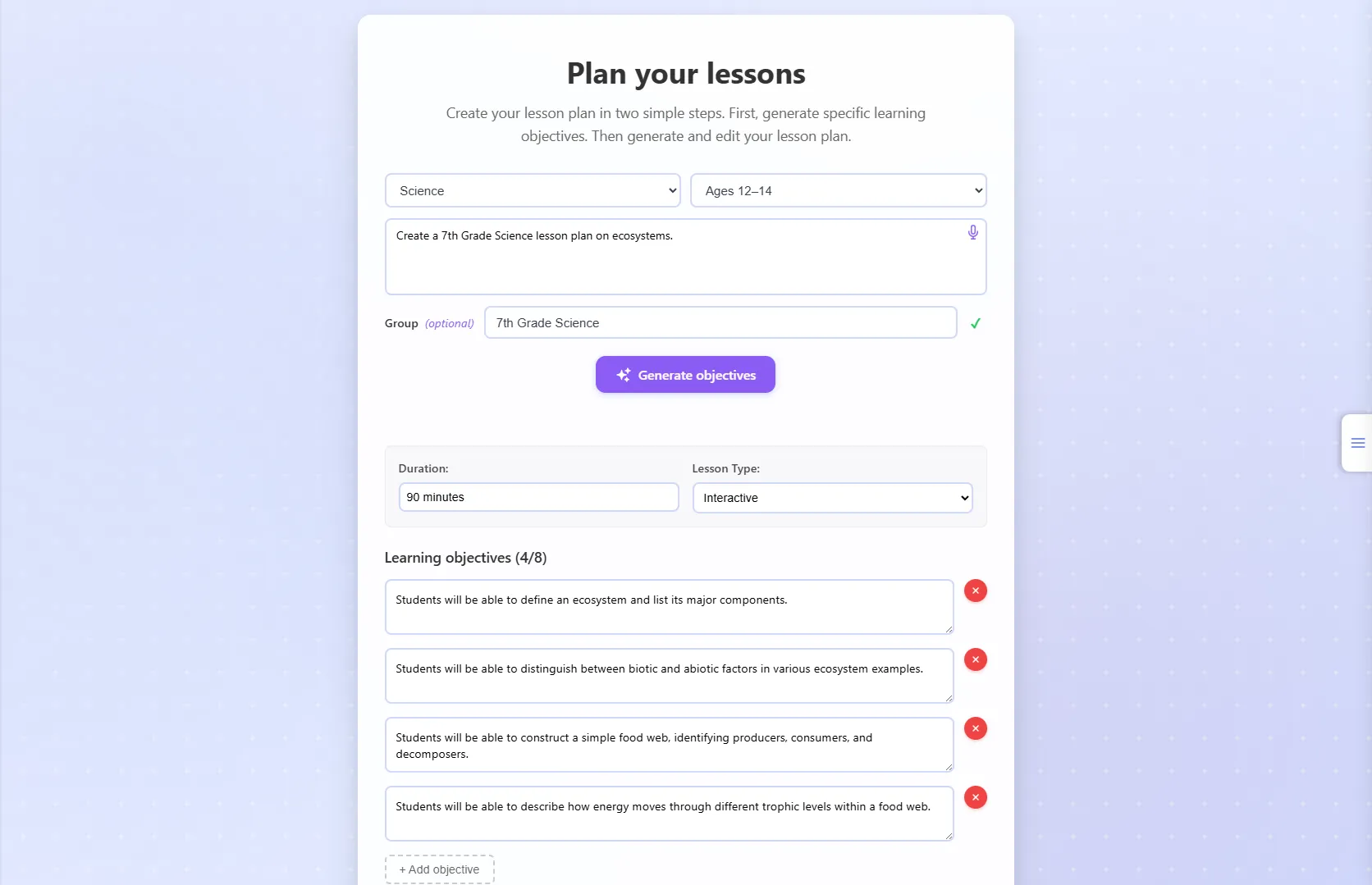
Lesson planner
Generate structured lesson plans from a topic and age range, with learning objectives, key topics, and a full editable plan you can save to Teaching Materials or export.
Learn more →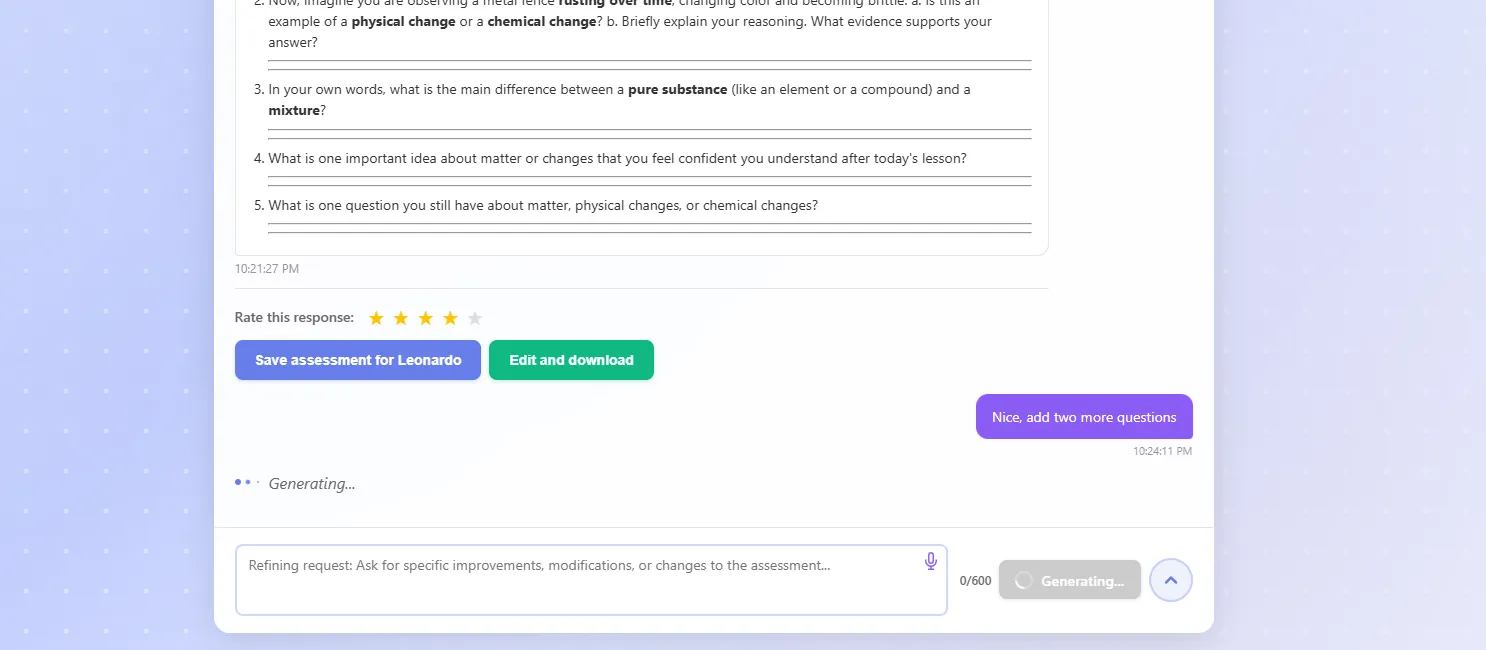
Assessment generator
Generate assessments personalized from a student's own record and history, in any language or format, for one student or a whole class. Refine with a follow-up chat, save to a student's record, or store in your Teaching Materials.
Learn more →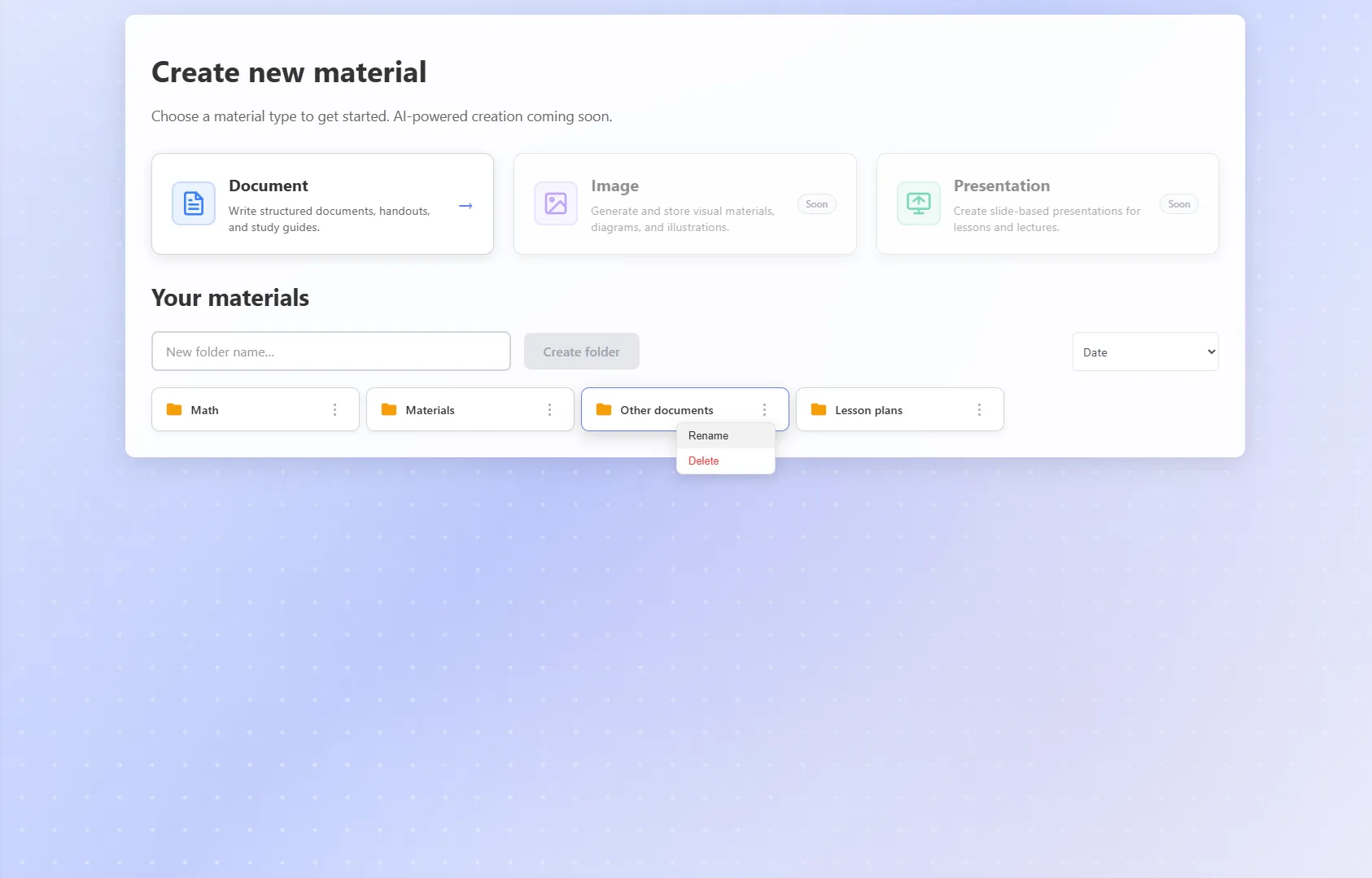
Teaching materials
Build a personal library of teaching resources organized in folders. Create and edit documents and other material types, then export or reuse them across classes.
Learn more →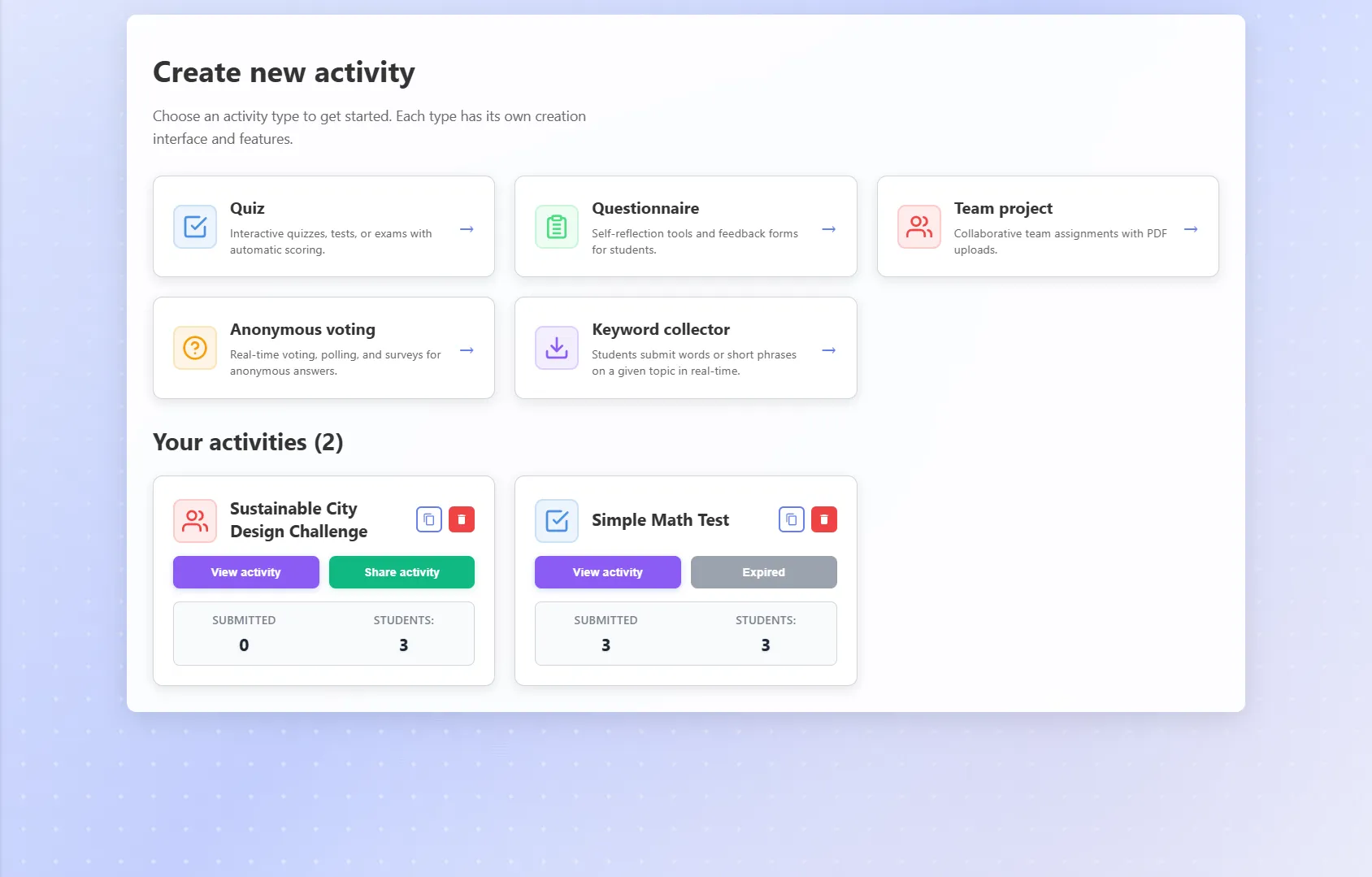
Activities
Run tests, assignments, self-reflection questionnaires, anonymous surveys, keyword collectors, and more, shared via join code or QR code. Track submissions in real time and, for supported types, generate AI feedback notes after the activity closes.
Learn more →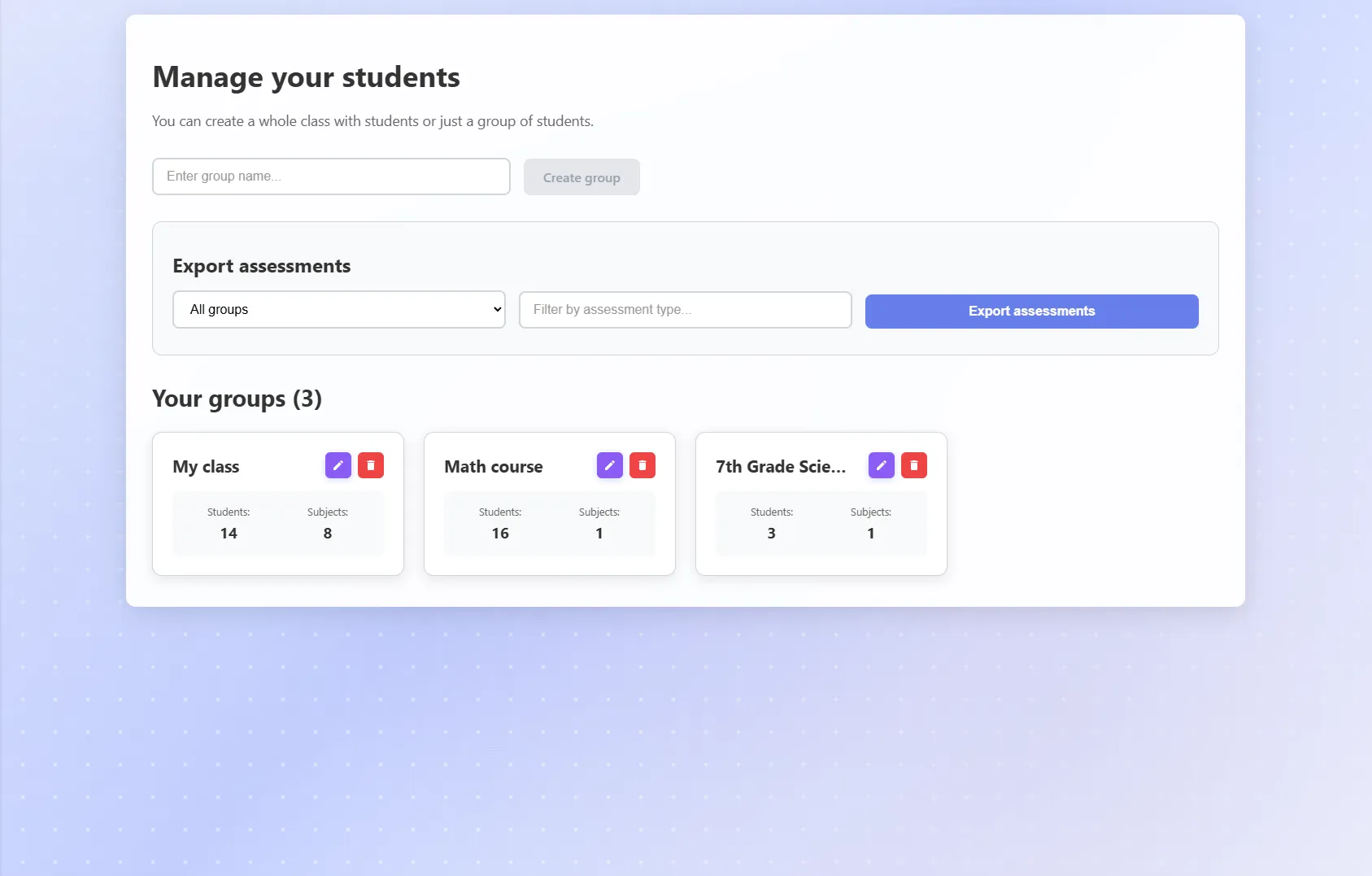
Classes
See how each student and class grows over time: grades, feedback, activity results, live progress, and saved AI analyses in one workspace. Set Learning Outcomes that shape AI output across the app.
Learn more →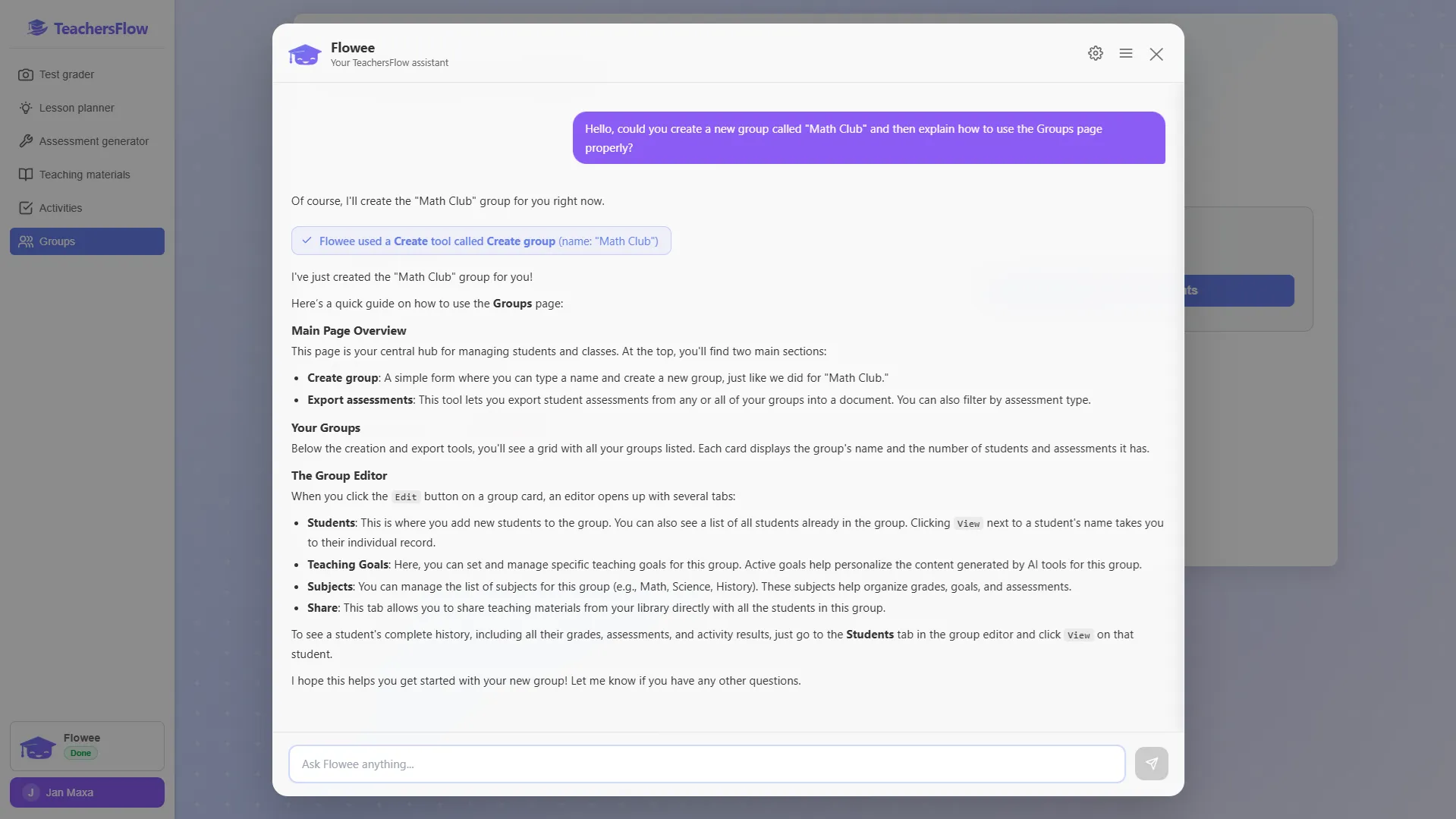
Flowee
Your personal AI assistant. It knows your classes, answers from your real data, and can take action in the app on your behalf, always within the permissions you set.
Learn more →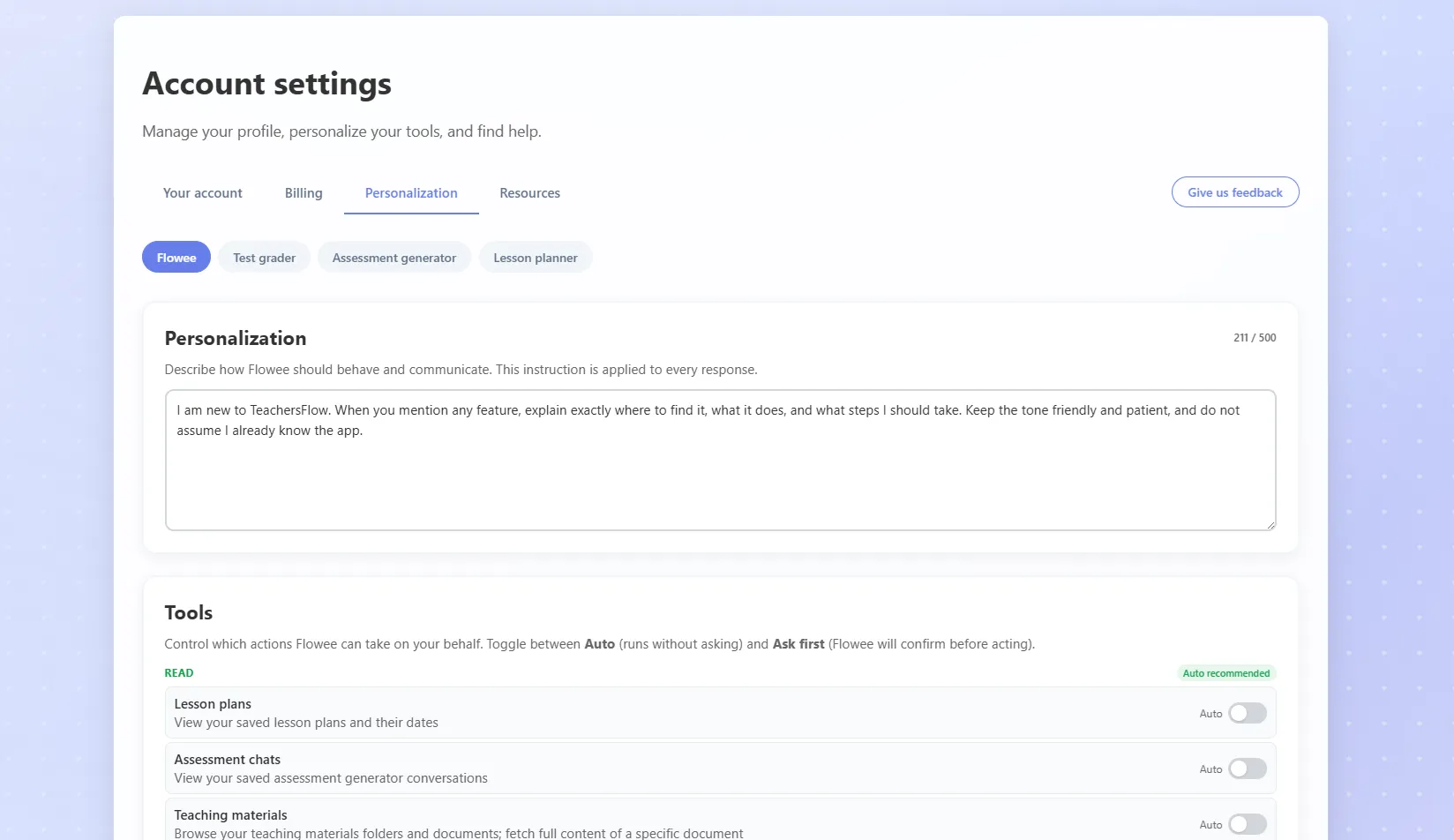
Make every AI output feel like yours
In Account Settings → Personalization you set default requirements separately for the Test grader, Assessment generator, and Lesson planner — grading rubric, format preferences, lesson structure — so they apply automatically every time.
For the Assessment generator you can also upload past assessment examples via Google Docs or DOCX and train the AI on them, so it learns your style and writes the way you do.